Wishlist
The pieces you have in mind.
Save the pieces you love from screenshots. Keep the details together, ready for your next boutique visit or a gift idea.
When you see it
A screenshot is a start.
Import a screenshot from a product page. Review the photo, name and details before saving the wishlist item.
See how import worksBefore your visit
Show the piece you mean.
A name, a reference and a photo make your next conversation more precise. Choose the wishlist items you want to share.
See the sharing options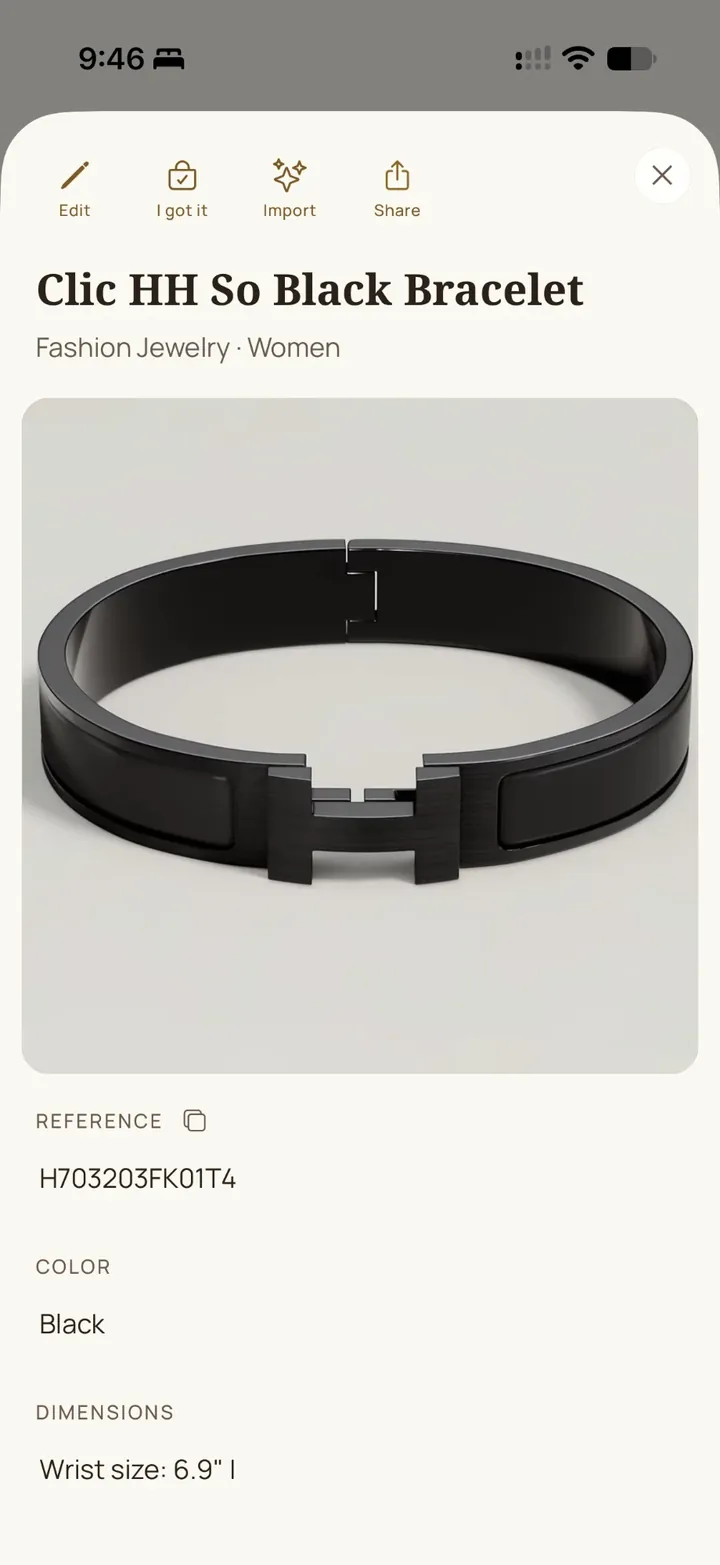
Birthdays. Holidays. Just because.
Give them a few good ideas.
Share your selection with someone who wants to choose a gift. They see your chosen pieces, without your purchase amounts.

A few questions.
What can I add?
Save a piece you have in mind from a screenshot or enter its details by hand.
What does a screenshot add?
MyQuotaBag reads the photo and product details. Review the result before saving.
Can I correct the details?
Yes. Review and edit the name, reference and other details of the item.
How do I show someone my wishes?
Choose the pieces in My Shared Collection. Visit Share to see invitations, links and privacy controls.