Share
Your collection.
Your circle.
Give your Sales Associate a clearer picture of your taste. Let a friend see your wishes. You choose the pieces you share.

Your Sales Associate
Less explaining. More understanding.
Show your QR code or send an invitation. Your selected pieces and wishlist items help your Sales Associate see what you own and what you have in mind.
Friends and family
A few wishes, ready to share.
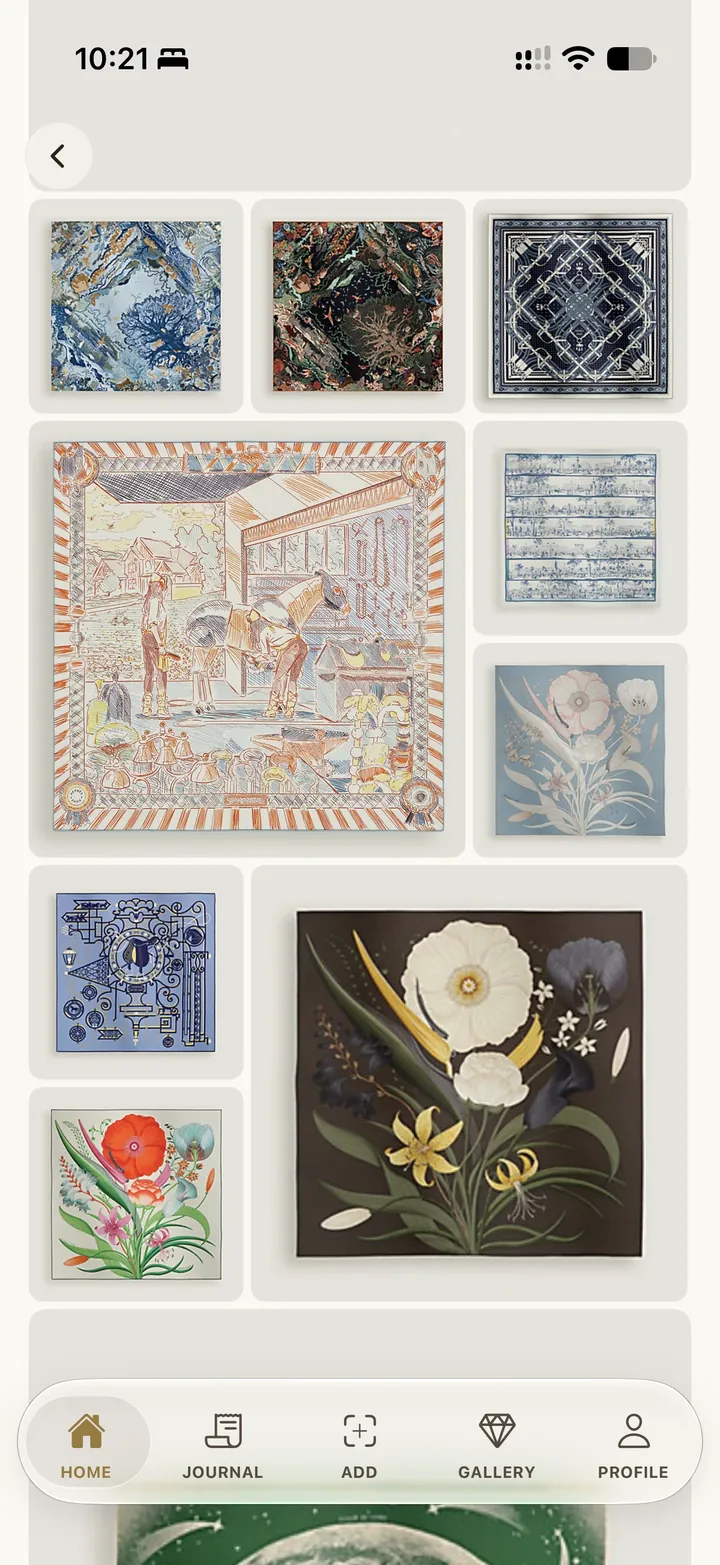
For a birthday, the holidays or your next visit together. Your friends can see the selection you share in the app.
Your choice
Share the pieces. Keep the amounts private.
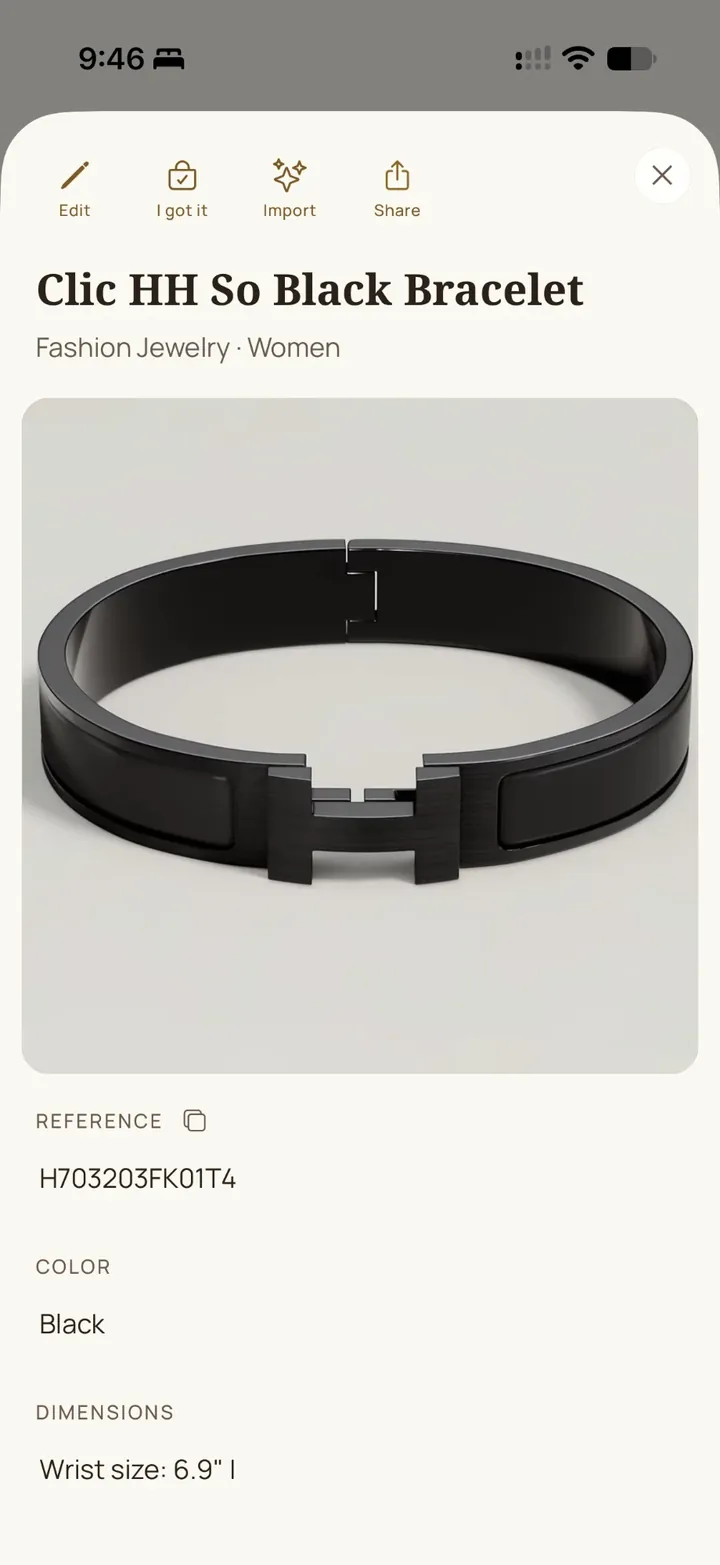
Shared pieces show their photos and descriptions. Purchase amounts, purchase dates and receipts stay out of the shared selection.
Read about sharing and privacyNo GPS tracking.
No sale of personal data.
You control what you share.
A few questions.
How do I share it?
In My Shared Collection, select the pieces and wishlist items you share. Show your QR code or send your private invitation: a friend who accepts it in the app sees your selection. The same selection can become a private link you send.
Who can see my wishlist?
Nothing is shared until you choose to. Friends you invite see your selection in the app. A private link opens for anyone who has it, so send it only to people you know. Sharing needs a signed-in account.
What do they see?
The pieces and wishlist items you selected, with their photos and descriptions. Never a price, a purchase date or a receipt.
Can I stop sharing?
Yes, at any time. Stop sharing turns off your link. In My friends, remove a friend or stop showing your collection.