How MyQuotaBag works
One photo.
A place for your pieces.
Start with a receipt. Add details from a screenshot. Review what is read and keep your pieces in your private collection.
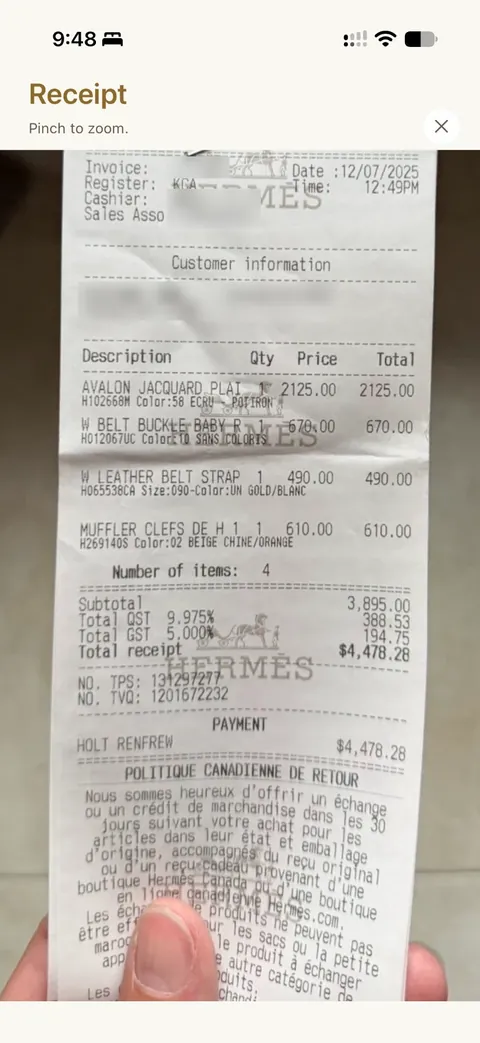
Scan a receipt
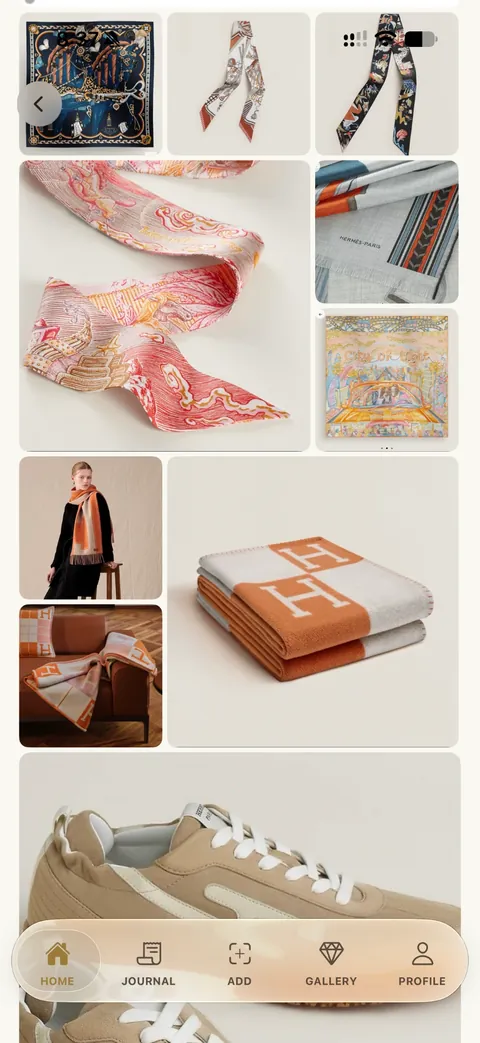
Your collection starts here.
Take a photo of your receipt. MyQuotaBag reads the purchase details. Check the pieces, correct anything you need to and save.
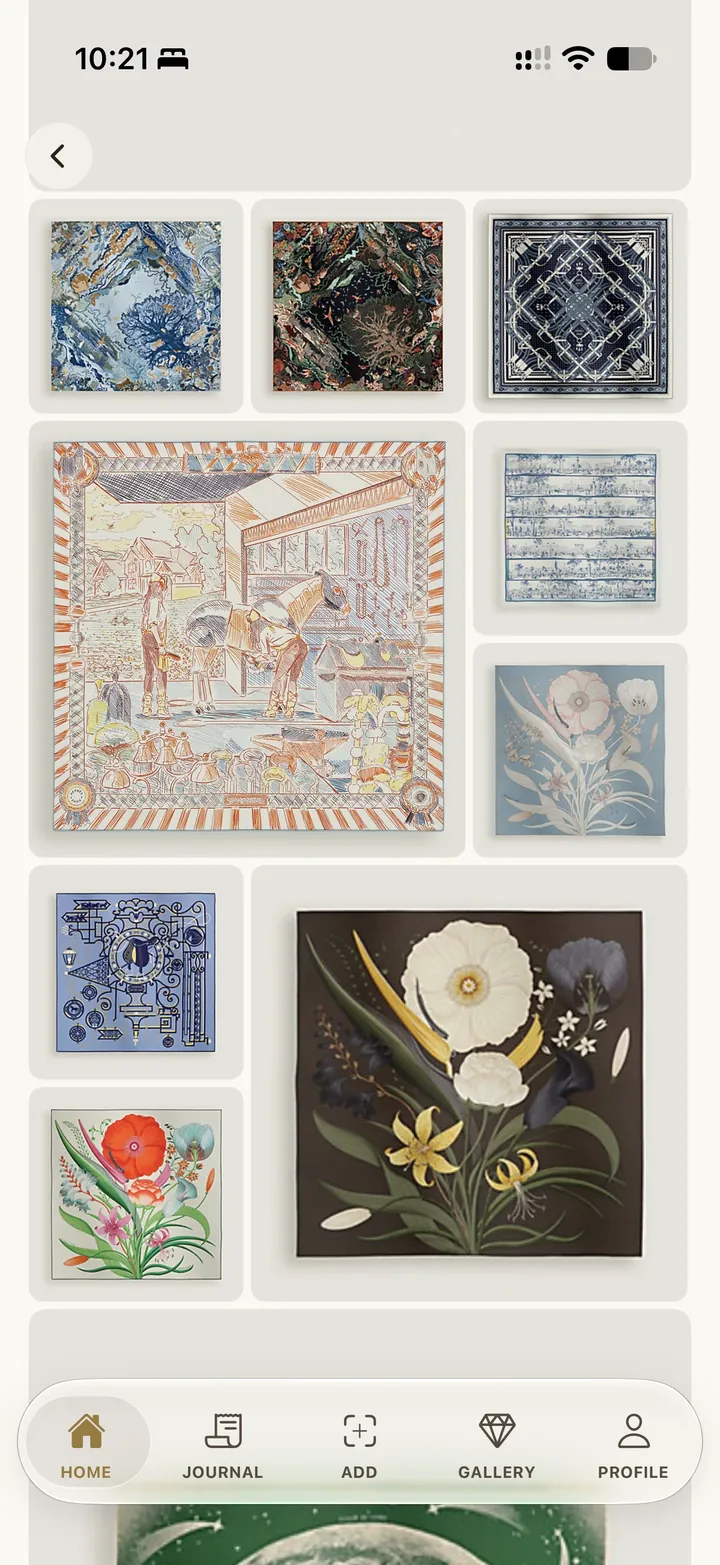
Explore Collection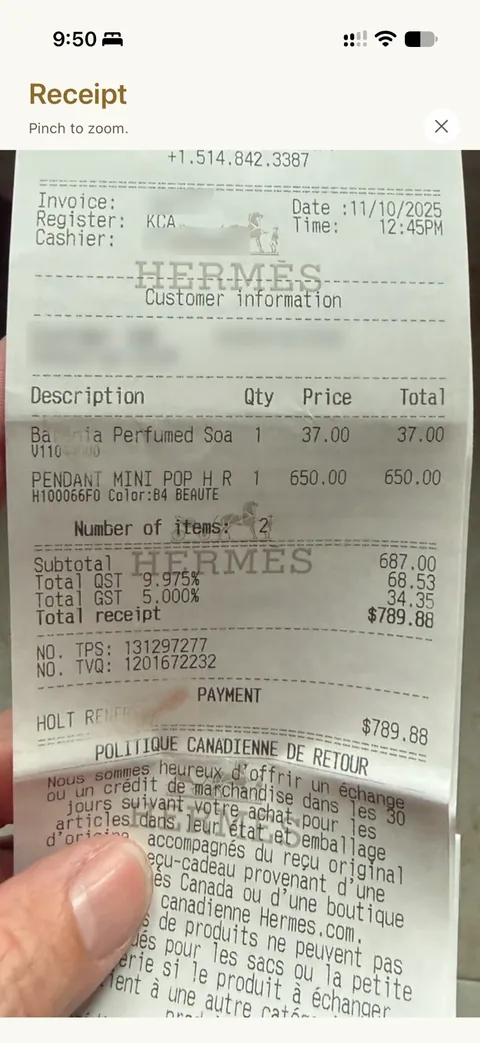
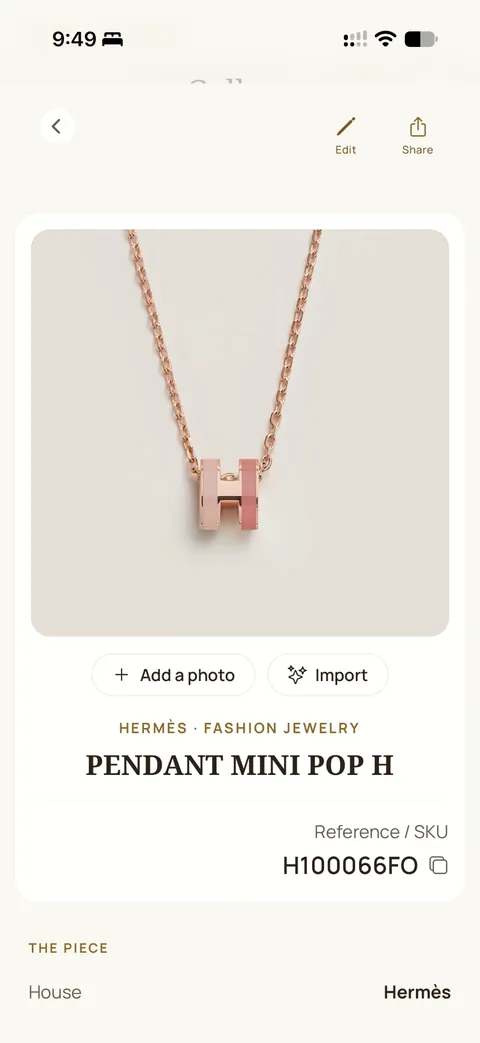
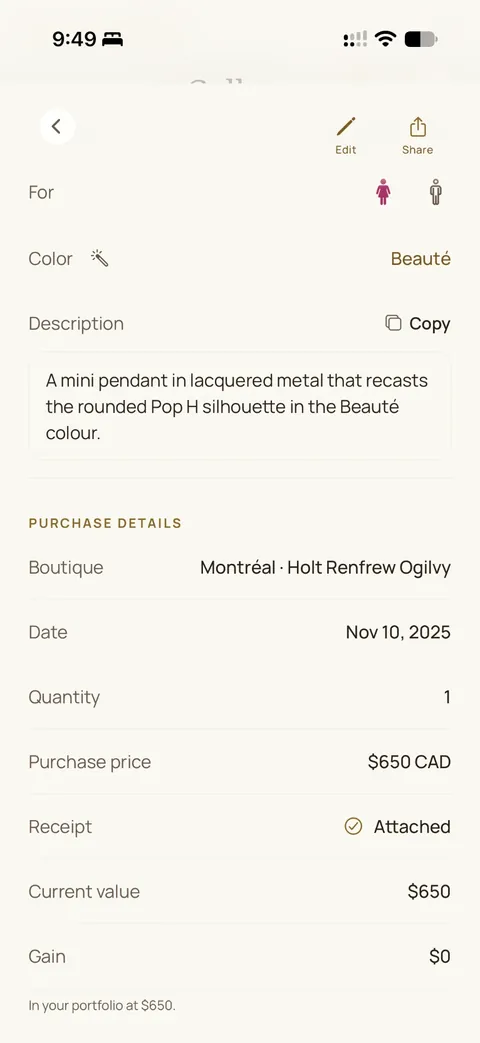
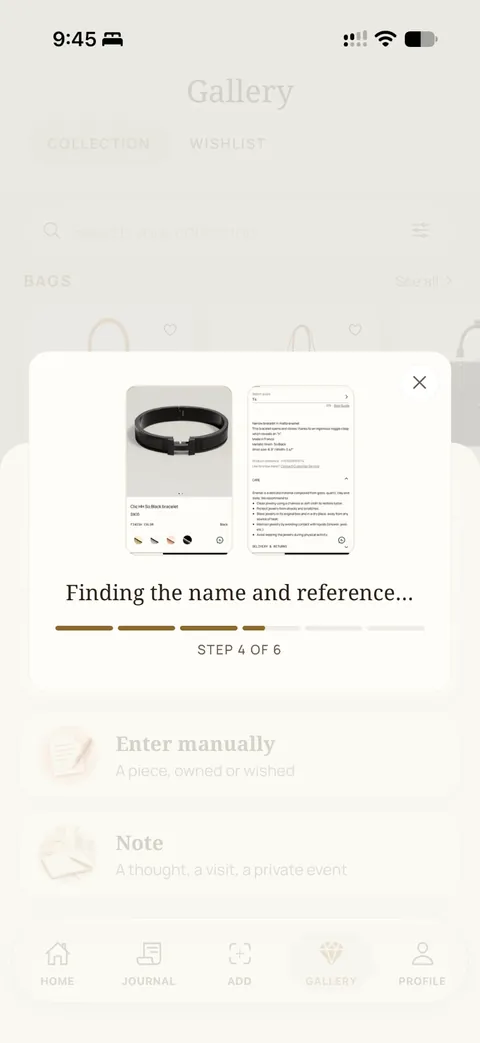
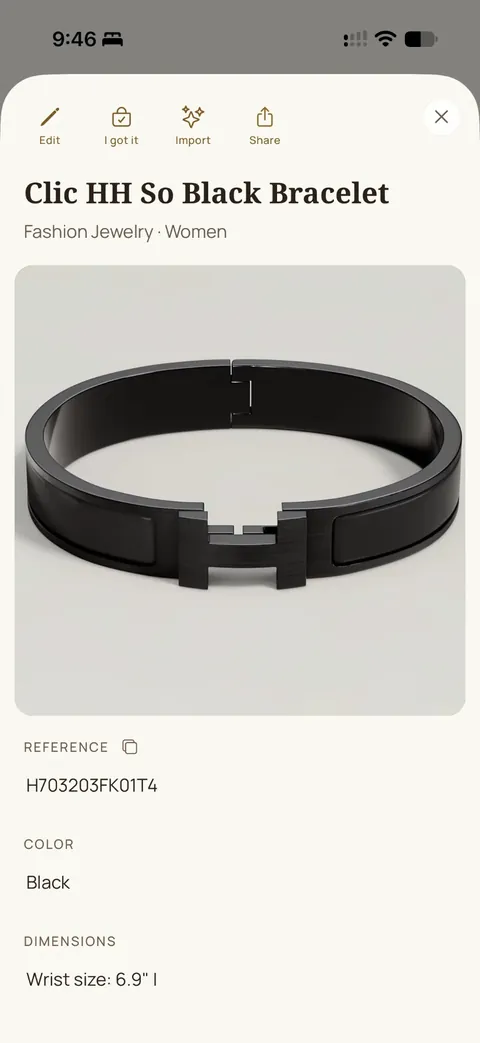
Import a screenshot
Keep the photo and the details.
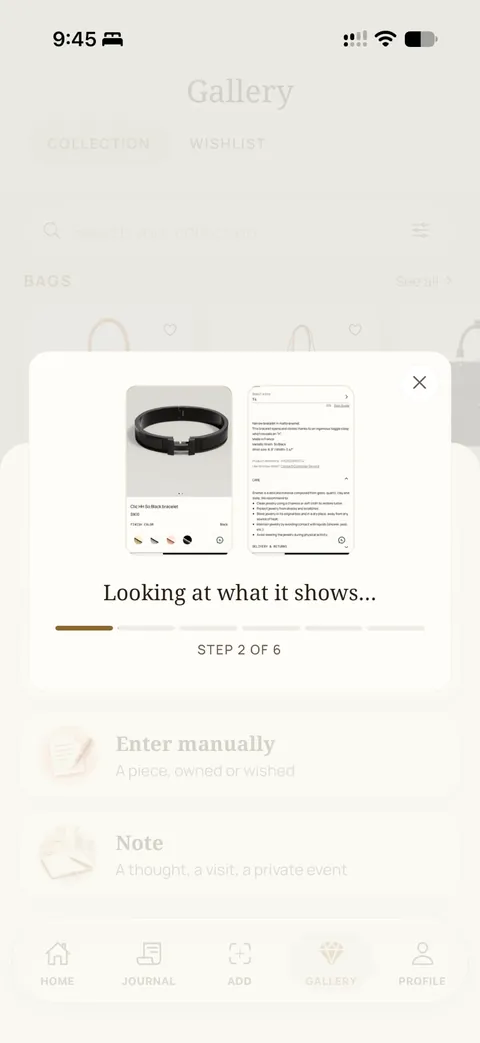
Import a screenshot to help fill in a purchase or a wishlist item. Review the information, edit it and choose what to save.
Explore Wishlist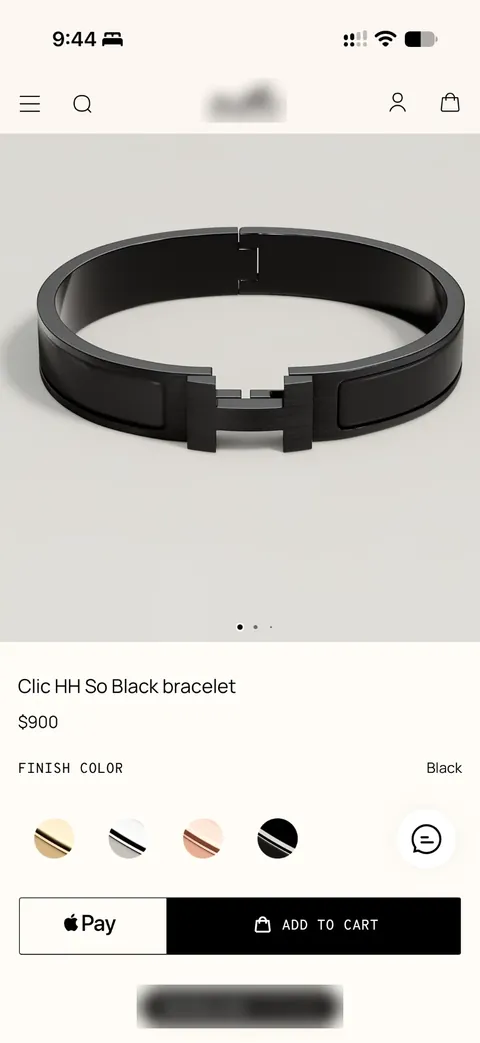
You stay in control
Check it. Make it yours.
Add or change a photo, correct a name or enter a piece by hand. Your collection can start with one piece, including one you have owned for years.
Read about privacy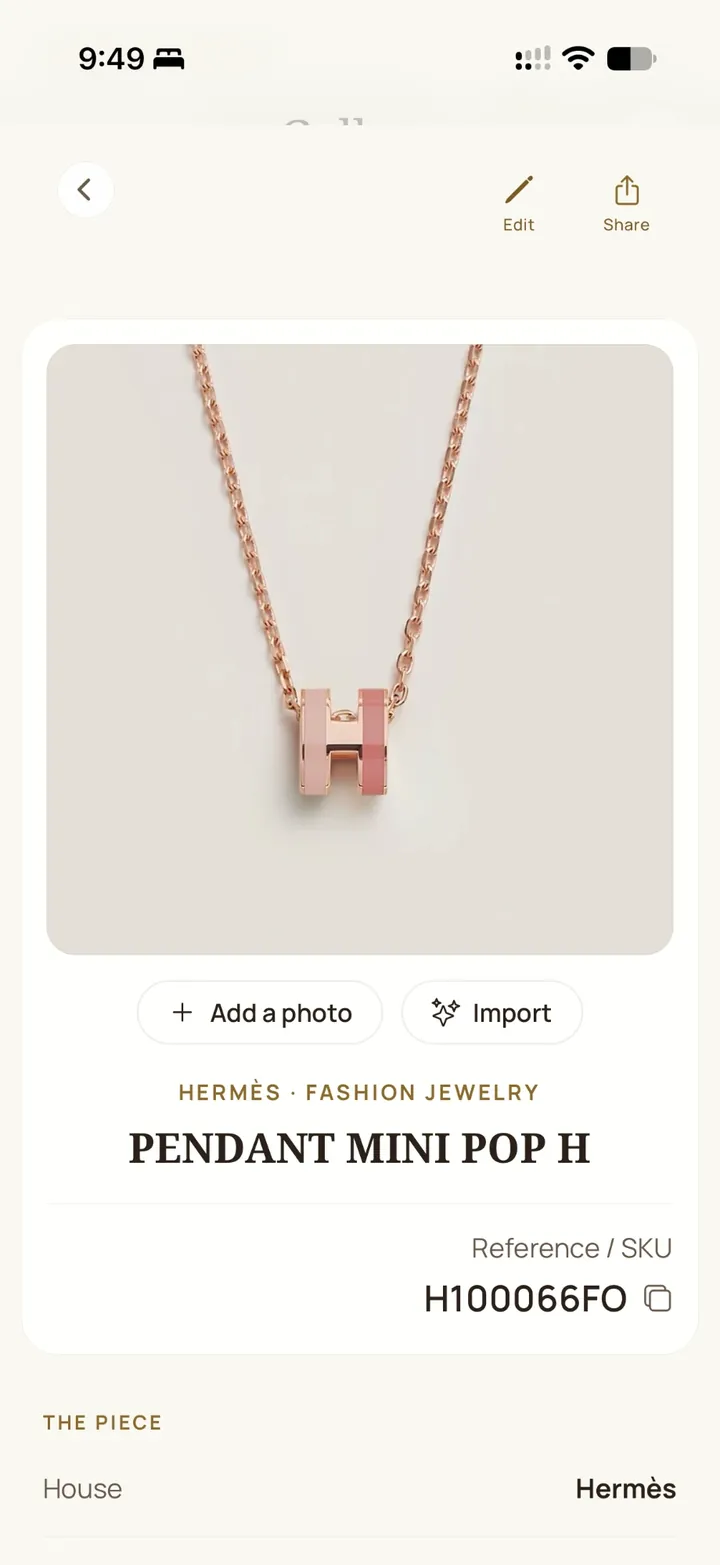
Hermès first. Other houses welcome.
Keep your Chanel bags, Cartier jewelry, Rolex watches and other pieces alongside Hermès, with their photos and receipts. Only Hermès purchases are used in your Purchase Ratio.
Explore Hermès & BeyondYour Journal
Purchases, receipts and boutique notes.
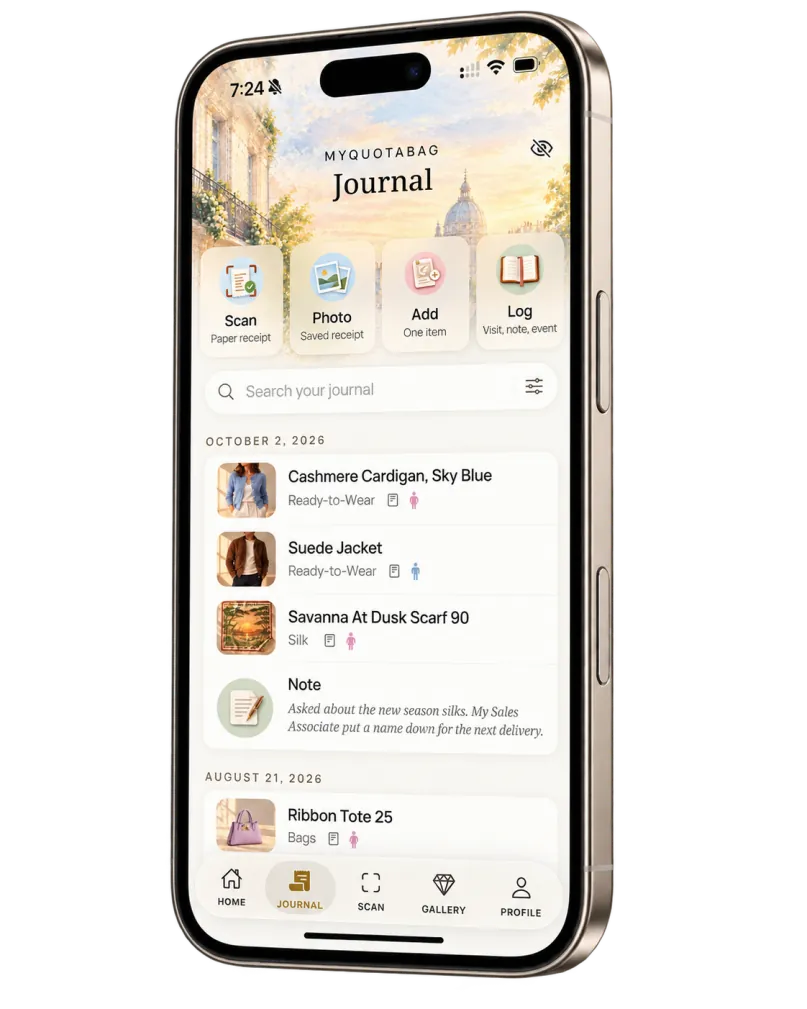
- Receipts
- Boutiques
- Personal notes
- Share cards
- Inventory for insurance
Your Collection
What you own and what’s on your wishlist.
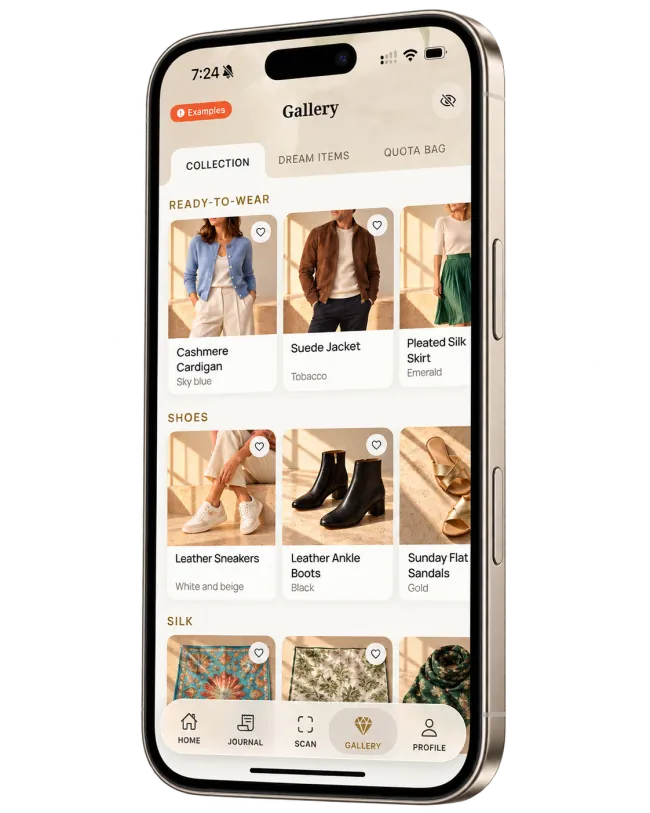
- All your pieces
- Wishlist items
- Categories & details
- Photo gallery
Your Insights
Your spending and Purchase Ratio.
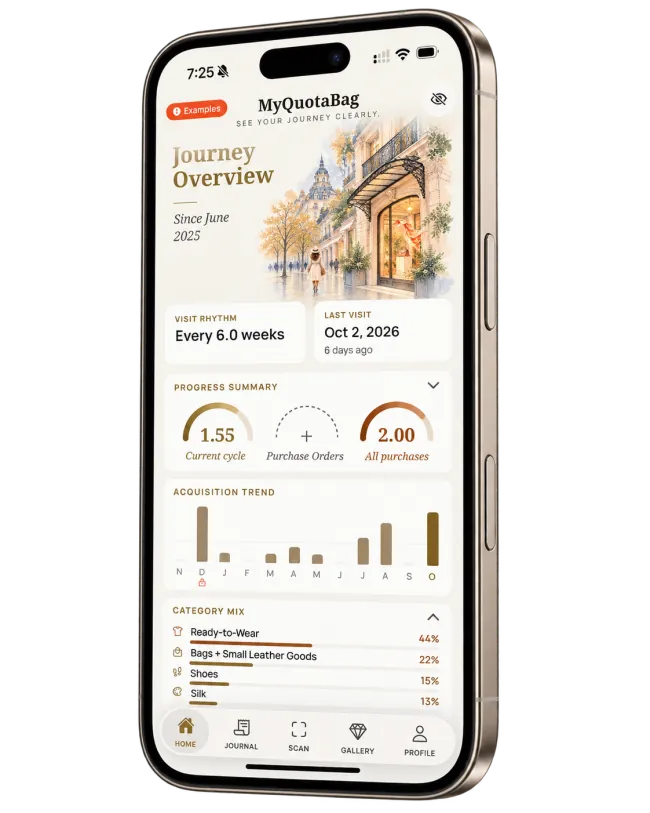
- Total spending
- Purchase Ratio
- Category insights
- PDF & CSV exports
Ask Léa, or ask us.
Answers inside the app. A team behind it.
Ask Léa
Léa is an AI assistant that answers questions about using MyQuotaBag: adding a piece, scanning a receipt, sharing with a friend. She answers from the app’s own help and this site. She does not receive your collection.
Private Concierge
Ask our team for help entering your invoices, organizing photos of your pieces or a specific request. Send it from the Home screen of the app; choose email, text message, WhatsApp or a call as your preferred way to hear from us.
Ask ChatGPT about your collection.
Connect your MyQuotaBag account to ChatGPT to ask about your pieces, review purchases or get outfit ideas from what you own.
Install the MyQuotaBag plugin (opens in a new tab)Requires a signed-in MyQuotaBag account.
Ask ChatGPT about your collection
- Explore your collection“Which scarves do I own?”
- Understand your purchases“What did I buy this year, by category?”
- Check your Purchase Ratio“What is my current Purchase Ratio and how is it calculated?”
Go further
- Quota Bag recap“Make me a visual recap of my last Quota Bag: pre-spend by category, a timeline and anything that looks off.”
- Dress for the event“I’m going to a women’s Ready-to-Wear event. What should I wear from my collection?”
- Scarf meets bag“Which of my scarves goes best with my Kelly?”
- Before your visit“I see my Sales Associate tomorrow. Any outfit ideas from what I own?”
- Explore your scarf collection“Which colors and designers appear most often in my scarf collection?”
The connection uses the collection details saved in MyQuotaBag, not your photos. Include colors and materials to make suggestions more useful.
Install in three steps
- Find MyQuotaBag in ChatGPT, under Plugins.
- Select Install plugin and connect your account.
- Sign in with the same Apple or Google account you use in MyQuotaBag.
Guest Mode collections stay on your device. ChatGPT can't read them.
Private by design
- Read-only connection.
- ChatGPT cannot add, change or delete anything in your journal.
- ChatGPT never sees your photos, receipts, notes or Sales Associate names.
- Disconnect anytime at myquotabag.com/connect.
What you share stays in your ChatGPT conversations, under OpenAI's terms, even after you disconnect. Details in section 7 of our Privacy Policy.
Before you get started.
Can I add my past purchases?
Yes. Add past purchases manually or scan existing receipts. You can review and edit your records anytime.
Can I start with just one piece?
Yes. Start with one piece and add more whenever you like. You can also save boutique visits and personal notes.
Is MyQuotaBag free?
Yes. MyQuotaBag is free to download and use today. Paid Premium plans are planned. Prices, any trial and what remains free will be explained in the app and on the App Store before they take effect. App Guide
Is my collection private?
Yes. Your collection is private. We never sell your data or share your collection with Hermès. You can delete your account and its data anytime. Privacy
Is MyQuotaBag on Android?
Not yet. MyQuotaBag is available on iPhone and iPad. Join the list and we will let you know if it comes to Android. Notify me
What changed
- Clarified the shared selection, private-link controls and Concierge contact options. Existing guide links are retained.
- Added sharing with friends, Ask Léa and the Private Concierge.
- Added a question on sharing your collection or wishlist with friends or your Sales Associate.
Earlier changes (5)
- Rewrote the feature descriptions to show that you review scanned details before saving.
- Added MyQuotaBag in ChatGPT.
- Added the section on keeping pieces from other houses alongside Hermès.
- Added recent collector feedback and the question “Is MyQuotaBag free?”.
- Page published.